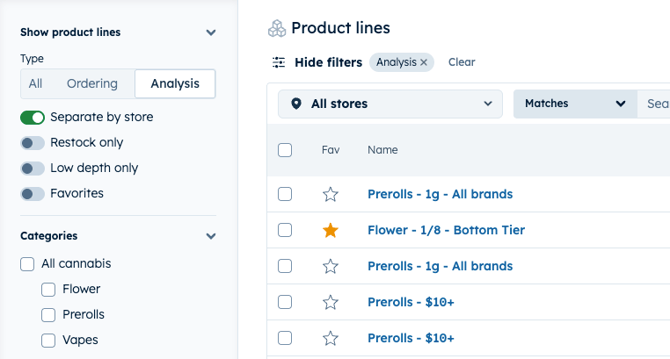
Analysis product lines:
-
Are used to track demand and stock levels for any group of products
-
Still flag groups of products as low stock or low depth
-
Cannot be added to your orders
-
Do not have order suggestions or connect to a marketplace
Ordering product lines:
-
Are best used for rotational, strain-based products from a brand specific product line
-
Can be added to your orders
-
Have order suggestions and connect to marketplace integrations for ordering
Create a new product line from the all products page, and choose your product line type at the time of creation.
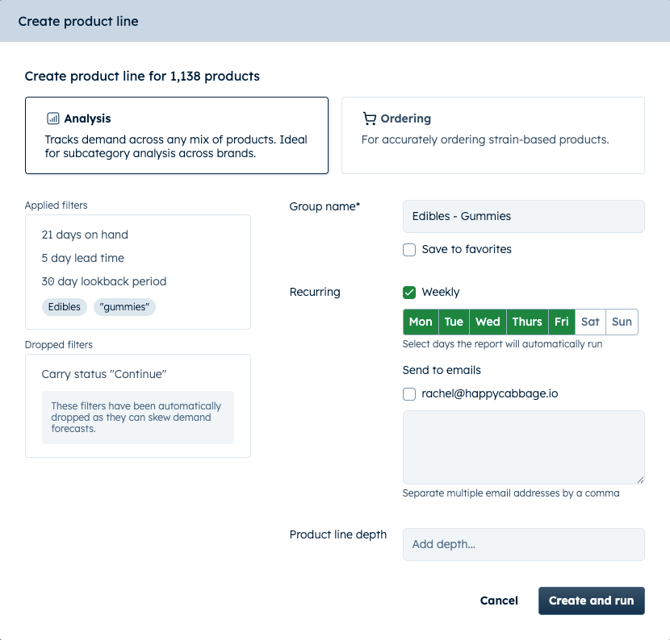
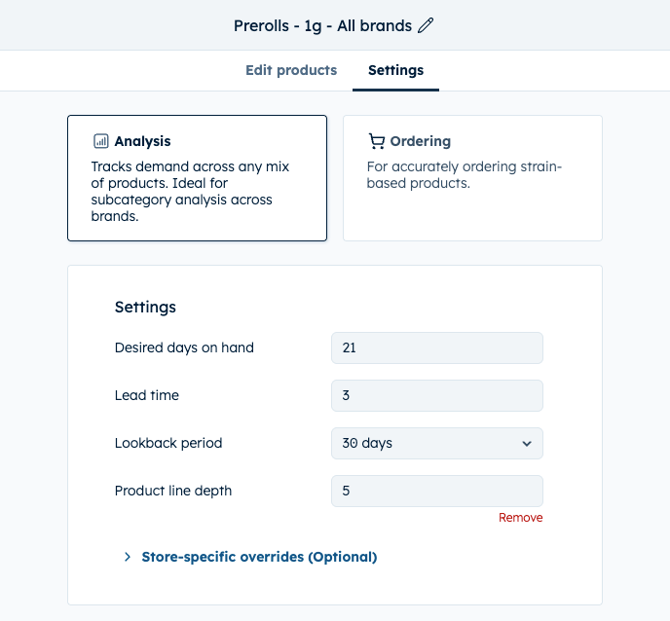
Edit existing product line types from your Org Settings
Switching product line type will not lose any previous case size settings if you changed the type by accident.
Viewing types on the product lines page
Use the left side filter navigation to All, Ordering or Analysis to compare different product line types against each other or view all in the same grid.